
Best AI Culling and Editing Software for Photographers (2026)
By The Photo Testers · Updated July 2026 · 10 min read
We research every tool and keep pricing current. Some links below are affiliate links, which means we earn a commission if you sign up through them. It does not change what we write. Pricing is current as of July 2026, but always confirm on the vendor's own page.
Best all-in-one: Aftershoot. Culling, editing, and retouching in one offline app at a flat, unlimited price. Best value for high-volume shooters.
Best editing quality: Imagen AI. Clean, consistent edits inside Lightroom, but it charges per photo, which gets expensive at wedding volume.
Best culling control: Narrative Select. The fastest RAW browsing experience, keeps you in creative control, and has a free tier.
Best portrait retouching: Evoto. One-click skin, glare, and background work, though it uses a credit system, not a subscription.
First, know what you actually need
"AI photo software" covers three different jobs, and most tools are stronger at one than the others. Sorting out which you need saves you money.
Culling is selecting the keepers from thousands of shots, removing blinks, blurs, and duplicates. This is usually the biggest time sink after a wedding.
Editing is applying your color and tone across the whole gallery, ideally in your own style.
Retouching is the close-up work: skin, glare, stray hairs, backgrounds. Mostly a portrait concern.
Some tools do all three (Aftershoot, Evoto). Some specialize (Narrative in culling, Imagen in editing, Retouch4me in retouching). Buy for the job that's actually eating your time.
The comparison
| Tool | Best at | Pricing model | From | |
|---|---|---|---|---|
| Aftershoot (best all-in-one) | Cull + edit + retouch | Flat, unlimited | $9.99/mo | View |
| Imagen AI | Editing in Lightroom | Per photo | $0.05/photo | View |
| Narrative Select | Culling, RAW speed | Free + flat | Free | View |
| FilterPixel | Culling on a budget | Free + flat | Free | View |
| Evoto | Portrait retouching | Credits | Free to try | View |
Researched July 2026. Confirm current pricing with each vendor.
1. Aftershoot: best all-in-one
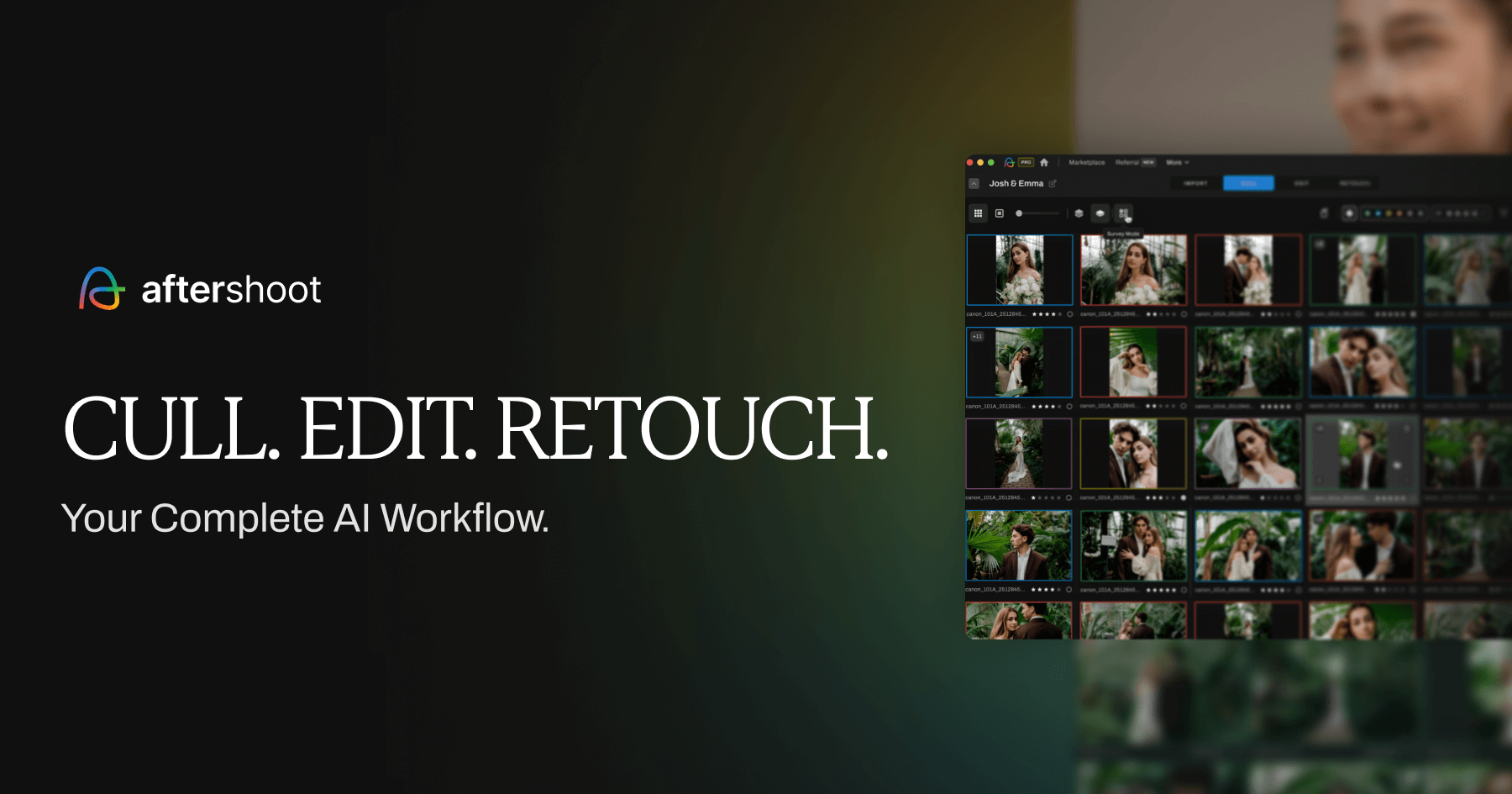
Aftershoot does the whole post-shoot workflow in one offline app: culling, editing, and retouching. It runs on your own machine (so your files never leave your computer), and the pricing is flat and unlimited rather than per-image, which is the key reason high-volume photographers pick it.
Aftershoot pricing starts at $9.99/month (annual billing) for culling-only and scales to $59.99/month for the full feature set. The plan most serious photographers land on is Pro, which includes a personal AI editing profile trained on your past work. Pro (culling + personal AI editing profile) costs $47.99/month or $39.99/month annually and is Aftershoot's recommended plan. There's also a Complete bundle that adds retouching.
The editing learns your style, but there's a real requirement to know: Personal AI Profiles learn your specific editing style from 2,500+ of your previously edited RAW images (5,000+ recommended for best accuracy). So you need a back catalogue of your own edits for the personal profile to shine. If you don't have that yet, you can start with the marketplace styles built by other photographers.
The honest limitation: AI accuracy varies by shooting conditions: low-light and high-action scenes require more manual override. So it's not fully hands-off in tricky light, you'll still give the cull a second look.
Good
- Culling, editing, and retouching in one app
- Flat, unlimited pricing (no per-image anxiety)
- Works offline; your files stay on your machine
- 30-day free trial, no card required
Not so good
- Personal editing profile needs 2,500+ of your past edits
- Culling needs review in low light or high-action scenes
- Extra editing profiles and some tools cost add-on fees
Pricing: From $9.99/mo (culling only) to ~$59.99/mo (full), annual billing (July 2026).
Try Aftershoot free2. Imagen AI: best editing quality
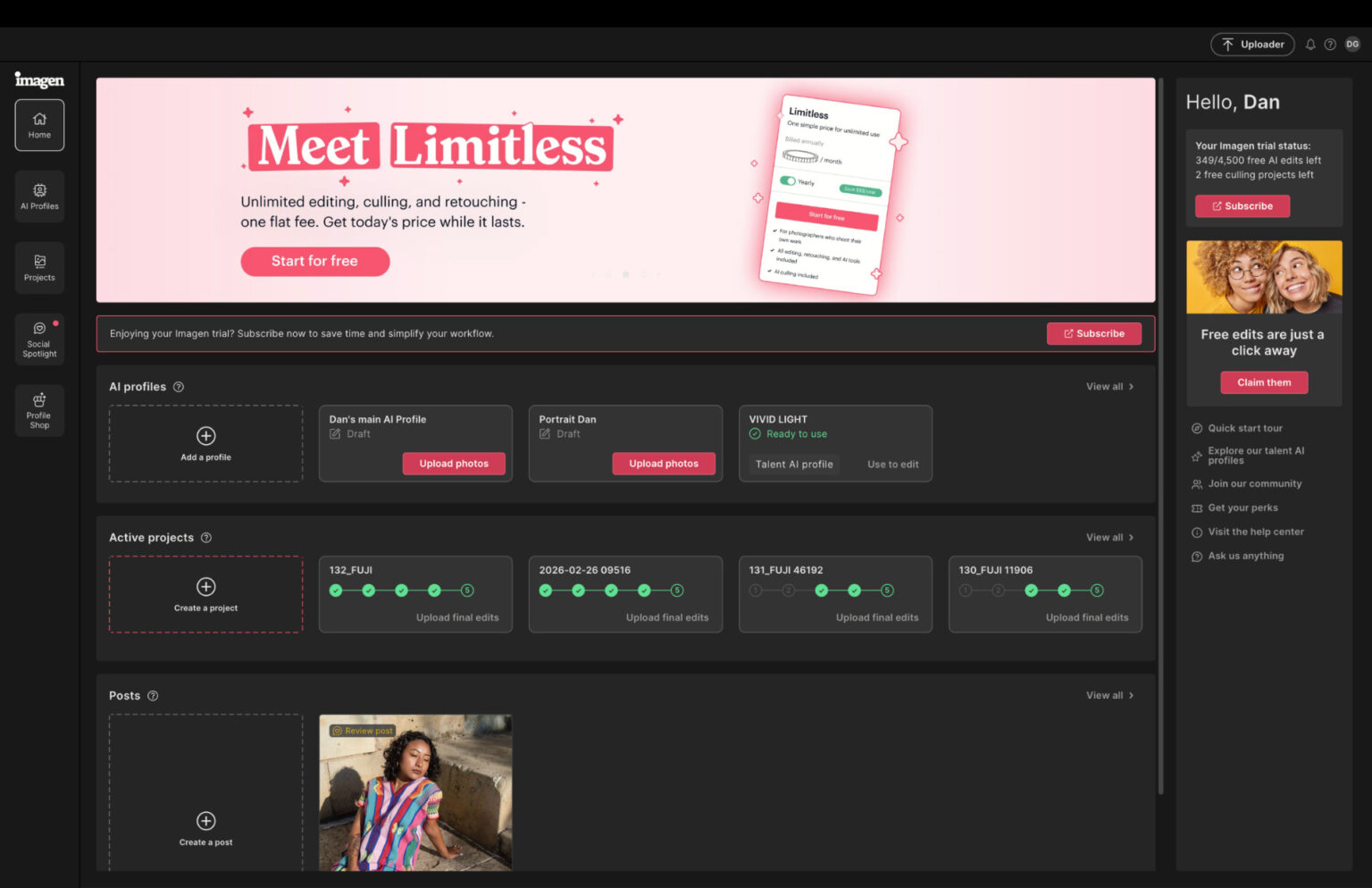
Imagen is the tool photographers reach for when editing quality inside Lightroom matters most. It's cloud-based, learns your style through a personal profile, and is well known for nailing skin tones on weddings and portraits. It also offers a library of "Talent" profiles built by top-tier photographers.
The catch is the pricing model. Imagen AI pricing in 2026 starts at $0.05 per photo on Pay-as-you-go (minimum $7/month), while annual plans range from 18K to 72K photos/year, with the popular 36K tier costing $127.50/month. Per-photo sounds cheap until you run the numbers on a wedding. As one photographer put it, "It charges per image, which sounds fine until you realize your 1200-photo wedding gallery just cost you the price of a nice dinner."
There are also add-ons that stack up: additional AI tools cost $0.01/photo each. With all four add-ons, the effective cost rises to $0.073/photo, more than double the advertised rate.
Two more honest limits: it's cloud-only (so no offline editing, and you need fast internet), and it works with Lightroom Classic only, Capture One and Lightroom Desktop aren't supported. Its culling exists but is a secondary feature, don't buy Imagen primarily to cull.
Good
- Excellent, consistent editing quality in Lightroom
- Strong skin tones for weddings and portraits
- Library of pro "Talent" profiles plus personal profiles
Not so good
- Per-photo pricing gets expensive at wedding volume
- Cloud-only, Lightroom Classic only, needs fast internet
- Culling is a secondary feature, not its strength
Pricing: From $0.05/photo (min $7/mo); annual volume tiers (July 2026).
View Imagen AI3. Narrative Select: best culling control
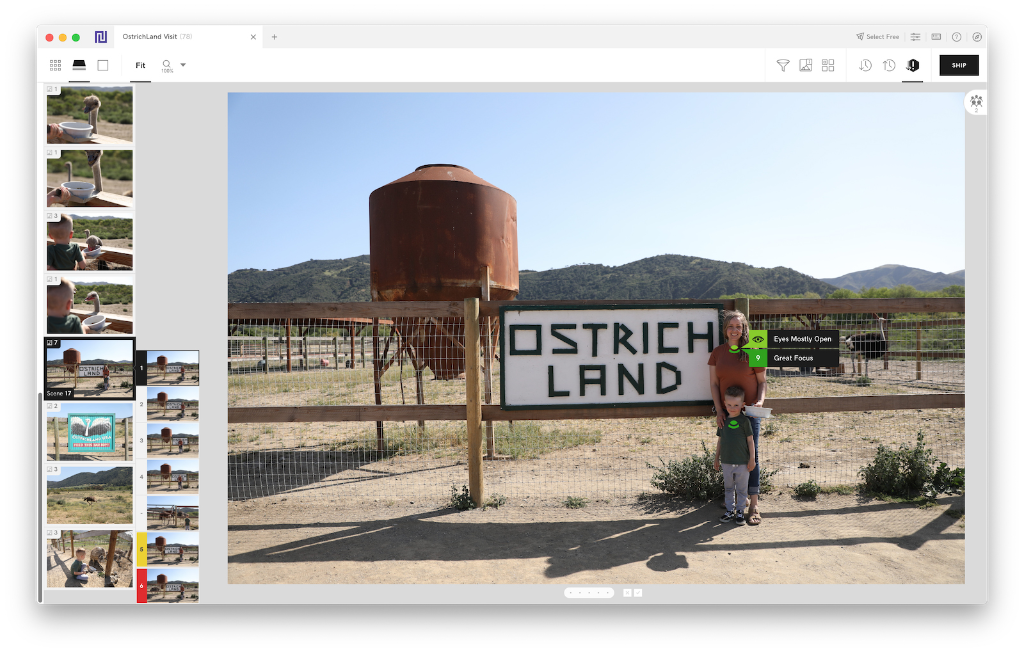
If you want the AI to help you cull faster but not make the final calls for you, Narrative Select is the pick. Its standout is speed: it renders RAW previews almost instantly, so browsing thousands of files is genuinely fast, especially on Apple Silicon Macs. It keeps you in creative control with tools like eye and focus assessments and instant face comparison.
Narrative has a free tier to start, with unlimited culling and editing on its paid plans. It works entirely offline and ships selections straight into Lightroom. For photographers who tried fully automated culling and didn't trust it, Narrative's "help me decide faster" approach is the answer.
The trade-off versus Aftershoot: Narrative assists your culling rather than fully automating it, so it's less "drop it and walk away" and more "review at speed." Whether that's a pro or con depends on how much you want the AI deciding for you.
Good
- Fastest RAW preview browsing available
- Keeps you in creative control of selections
- Free tier; works offline; ships to Lightroom
Not so good
- Assists rather than fully automates culling
- Best performance is on Apple Silicon Macs
Pricing: Free tier available; paid plans add unlimited features (July 2026).
View Narrative Select4. FilterPixel: best culling on a budget
FilterPixel is the value pick for culling. Its big draw is a genuinely free way to evaluate it: you can try FilterPixel on 4 projects for free, including their new DeepCull feature, with no credit card required. Paid plans are competitive, and its Suite plan includes AI editing at less than half the price of Aftershoot Pro.
Its 2026 headline feature is genre-aware culling: in 2026 they launched "Deep Cull" which is a genre-aware form of culling that not only culls for sharpness and blinks, but also looks for emotions and facial expressions. That makes it especially strong for deadline shooters, sports, events, same-day weddings, where the AI needs to understand what makes a good shot in that specific context.

Good
- 4 free projects to try, no card required
- Genre-aware DeepCull for sports, events, deadlines
- Editing included on Suite plan at a low price
Not so good
- Smaller community than Aftershoot
- Some features are cloud-processed
Pricing: 4 free projects; paid plans from $14.99/mo (July 2026).
View FilterPixel5. Evoto: best portrait retouching
Evoto is the retouching specialist. For portrait, headshot, wedding, and boudoir photographers, it handles skin smoothing, blemish removal, glasses-glare removal, stray hairs, and background work, mostly with sliders, and applies edits across a batch. Photographers consistently praise how much outsourced retouching it replaces. It added AI culling in late 2025, but retouching is its core.
The pricing is different from the subscription tools: editing and previewing edited images is free. Exporting an image requires an Evoto credit. Credits can be purchased as a single package with a 2 year expiration date, or as an annual subscription. A reviewer's honest take: it's fantastic for retouching but its credit-per-image payment system feels antiquated and makes it easy to go over your budget if you lose track of your edits and credits.
One thing to be aware of: Evoto faced user backlash earlier over an AI headshot generator feature. The company removed the content and stated it does not train its AI on user images. Worth knowing, though it's a retouching tool at heart and the core editing is well liked.

Good
- Excellent, natural portrait retouching via sliders
- Batch retouching with per-subject adjustments
- Replaces a lot of outsourced editing
Not so good
- Credit-per-export model is easy to overspend on
- No Lightroom sync; manual export/import
- Past controversy over an AI headshot feature
Pricing: Free to edit; credits required to export (July 2026).
View EvotoThe honest truth about all of them
Two things worth saying plainly.
No AI tool replaces your judgment. The realistic gain is time, not a hands-off pipeline. Across the tools, photographers report cutting post-production by 50 to 70 percent, a 3,000 to 5,000 image wedding that took a whole evening drops to under 30 minutes of active review, depending on how much you override the AI. That's a huge saving. But you still review the cull and check the edits.
Most pros use more than one. A common stack is one tool for culling, another for editing, and a specialist for retouching hero images. A full AI stack runs roughly $200 to $600 a year, usually reunited in one or two extra bookings freed up by faster turnaround.
So, which one?
Want one tool for everything at a predictable price? Aftershoot. Flat, unlimited, offline, does all three jobs.
Editing quality in Lightroom is your priority and you shoot moderate volume? Imagen AI, just watch the per-photo cost at wedding scale.
Want to cull fast but keep the final say? Narrative Select, and its free tier makes it easy to try.
On a budget, or shoot deadline work? FilterPixel, free to evaluate, with genre-aware culling.
Portraits are your bread and butter? Evoto for retouching, likely alongside a culling tool.
Nearly all of them have a free trial or free tier. Since the "right" tool depends entirely on your genre and volume, test two or three on a real shoot before committing.
FAQ
What is the best AI culling software for photographers? For fully automated culling at a flat price, Aftershoot. For fast culling where you keep creative control, Narrative Select. For budget or deadline work, FilterPixel's genre-aware DeepCull. The best fit depends on how much you want the AI to decide.
Is Aftershoot or Imagen better? Aftershoot is the better all-in-one and better value at high volume thanks to flat pricing. Imagen has excellent editing quality in Lightroom but charges per photo, which gets expensive on large weddings. Many photographers cull in Aftershoot and edit in Imagen.
How much time does AI culling actually save? Photographers commonly report cutting post-production time by 50 to 70 percent. A wedding cull that took a full evening can drop to under 30 minutes of active review, depending on the tool and how much you override its choices.
Do these tools work offline? Aftershoot, Narrative Select, and Evoto work offline (processing on your machine). Imagen AI is cloud-only and needs a stable internet connection. FilterPixel uses cloud processing for some features.
What's the best AI tool for portrait retouching? Evoto is the leading portrait retouching tool for skin, glare, and background work. Retouch4me is a strong plugin-based alternative for hero-image retouching. Aftershoot also includes retouching in its Complete bundle.
Related: Best photo culling software · Aftershoot vs Imagen · Best CRM for wedding photographers