
Aftershoot Review 2026: Is It Worth It for Photographers?
By The Photo Testers · Updated September 2026 · 8 min read
We research every tool and keep pricing current. Some links below are affiliate links, which means we earn a commission if you sign up through them. It does not change what we write. Pricing is current as of September 2026, but always confirm on the vendor's own page.
Aftershoot is the strongest all-in-one AI workflow tool for high-volume photographers, and the best value if you shoot a lot. It culls, edits, and retouches in one offline app at a flat, unlimited price, so a huge wedding costs the same to process as a small portrait session.
Who it's for: wedding, event, and portrait photographers drowning in RAW files who want predictable costs and offline processing.
Who should look elsewhere: if editing quality matters more than culling, Imagen edits better; if you want to keep full manual control of selections, Narrative suits you more.
Bottom line: for culling at volume, it's our top pick. The editing is good and improving, but the culling is the reason to buy.
What Aftershoot is
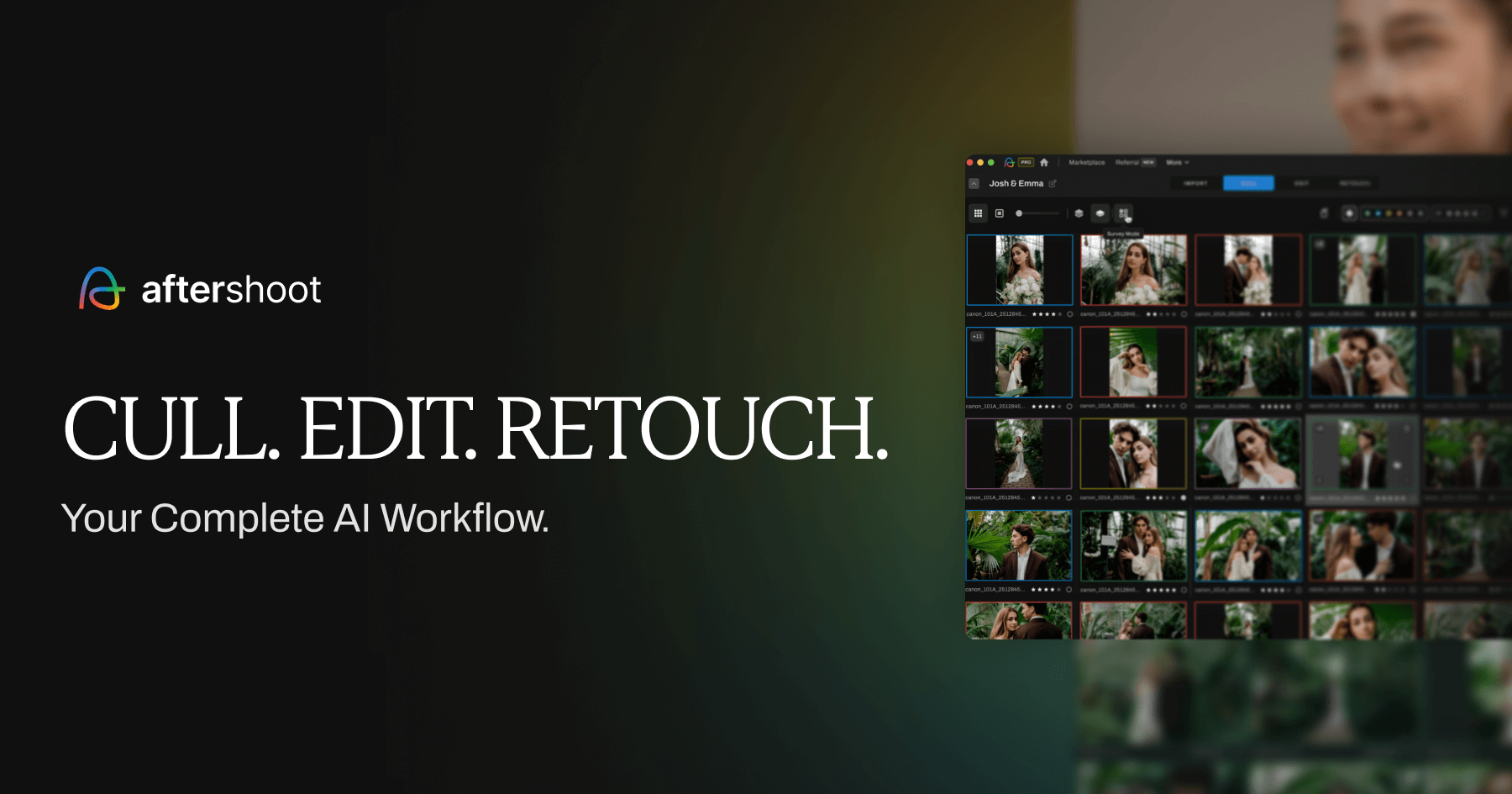
Aftershoot is AI-powered software that automates the two most tedious parts of post-production: culling (selecting keepers from thousands of shots) and base editing (applying your look across a gallery). It also offers AI retouching. Everything runs locally on your computer rather than in the cloud.
Its defining trait, and the reason photographers stick with it, is that it learns from you. Rather than applying fixed rules, it studies your past selections and edits and gradually adapts to your judgment. The pitch is simple: let the AI handle the boring 90 percent so you spend your time on the creative 10 percent.
Pricing
Aftershoot moved to a modular, flat-fee structure, you pay for the pieces you need, and crucially, pricing does not scale with how many photos you process. Billed annually, the modules are roughly:
- Select (culling): around $10/month
- Edit (AI editing): around $30/month
- Retouch (AI retouching): around $20/month
You can combine them, and there are bundled tiers. The headline advantage over cloud competitors is the absence of per-image cost: a 6,000-image wedding costs exactly the same to run as a 300-image session. Aftershoot offers a 30-day free trial with no card required, which is genuinely enough time to test it on real shoots.
Culling: the reason to buy
Culling is Aftershoot's home turf and where it earns its reputation. You import a shoot and the AI analyzes sharpness, expressions, closed eyes, duplicates, and composition, then makes the selections. What impresses reviewers is that it isn't just checking for technical sharpness; it weighs intention, grouping similar frames and picking the strongest.
The real-world effect is dramatic: culling sessions that took hours drop to minutes of review. You still get the final say, but the AI does the heavy sorting.
The honest caveat, and every credible reviewer and real user agrees, is that it still needs a human review pass. Users consistently note the AI requires manual checking on certain shots, particularly in low light and fast action, to make sure nothing great slips through. It's a huge time-saver, not a hands-off replacement for your eye.
Editing: good, and improving
Aftershoot's editing applies your style across a gallery via an AI profile. When it's trained well, it effectively clones your editing decisions and applies them to thousands of images at once. If you're still finding your style, you can buy marketplace profiles built by established photographers to get a head start.
The honest limitation: to train a genuinely accurate personal profile, Aftershoot wants a large back catalogue of your past edits (thousands of consistently edited images). Without that, you lean on the marketplace styles rather than a profile tuned to you. And while the editing is capable, most reviewers still consider Imagen the stronger pure editor. Aftershoot's editing is a strong bonus; its culling is the star.
The offline advantage
One of Aftershoot's biggest practical strengths is that everything happens on your machine. Your high-resolution RAWs never leave your hard drive during culling or editing. That matters in two situations: if you work somewhere with slow or no internet (a venue, a plane, a remote shoot), and if you have privacy requirements about client images. Cloud competitors like Imagen can't offer this.
The trade-off is that your computer does the work, so it leans on your hardware. Aftershoot recommends 16GB of RAM and benefits from a dedicated GPU. On an older laptop, a big wedding will tie up your machine for a while.
Pros and cons
Good
- Culling, editing, and retouching in one app
- Flat, unlimited pricing, no per-image cost
- Fully offline; files stay on your machine
- AI learns and improves from your selections over time
- 30-day free trial, no card required
Not so good
- Culling still needs a human review pass (especially low light/action)
- Personal editing profile needs thousands of your past edits to shine
- Editing is good but not as strong as Imagen's
- Runs on your hardware, so it wants a capable machine
Who Aftershoot is right for
Buy it if you shoot weddings, events, or high-volume portraits, want one predictable bill regardless of volume, value offline processing, and want culling, editing, and retouching in one place.
Look elsewhere if editing quality is your single biggest priority (Imagen edits better), you want to keep full manual control over every selection (Narrative Select), or you shoot low volume and want to pay only for what you use (Imagen's per-photo model).
So, is Aftershoot worth it?
For high-volume photographers, yes, and it's our top pick for culling specifically. The flat pricing, offline processing, and genuinely time-saving culling make it an easy recommendation for anyone processing thousands of images. Just go in with realistic expectations: it's a powerful assistant that turns a five-hour cull into a five-minute review, not a magic button that removes your judgment entirely.
The 30-day free trial is the honest way to decide. Run it on a real, recent shoot, one you've already culled yourself, and compare its picks to yours. That test tells you more than any review, including this one.
Try Aftershoot freeFAQ
How much does Aftershoot cost? It uses modular, flat-fee pricing (billed annually): roughly $10/month for culling (Select), $30/month for AI editing (Edit), and $20/month for retouching (Retouch), with bundles available. Pricing does not scale with photo volume, and there's a 30-day free trial with no card required.
Is Aftershoot better than Imagen? Aftershoot is the better all-in-one and better value at high volume thanks to flat pricing, and its culling is stronger. Imagen is the better pure editor. Many photographers cull in Aftershoot and edit in Imagen. See our full Aftershoot vs Imagen comparison.
Does Aftershoot work offline? Yes. Aftershoot processes entirely on your computer, so no internet is needed and your files never leave your machine. This is one of its biggest advantages over cloud-based tools.
Does Aftershoot replace manual culling entirely? No. It does the heavy sorting in minutes, but every credible review (and Aftershoot's own users) recommend a quick human review pass afterward, especially for low-light and fast-action shots, to make sure no great frame is missed.
Is Aftershoot worth it for low-volume photographers? It can be, but if you shoot few images per month, a per-photo tool like Imagen may cost less. Aftershoot's flat pricing pays off most when you process high volumes.
Related: Aftershoot vs Imagen · Best AI culling and editing software · Best Aftershoot alternatives